

On Gen 1 vehicles there is a CANbus connector located right next to where EV Play is installed. On Gen 2 vehicles, that connector has been either deleted, or moved to some yet-to-be-discovered location. I (and others) have spent a fair chunk of time tearing apart the vehicle looking for it, but no luck as of yet. EV Play on Gen 1 vehicles connects to the CANbus and uses it for two non-critical features:
· The device will auto-switch to the Rivian UI when you put the vehicle in to Reverse, so that you can see the backup and overhead camera. It will also auto-switch to the Rivian UI when you put the vehicle in Park. Again, not critical to operation and to me are more of convenience features.
· The second Gen 1 Canbus feature is disabling video-in-motion. I know this a highly contested issue, but everyone should be pretty clear on my stance by now (hint: EV Play was born out of me nearly killing myself and others while texting and driving...so not a fan of distracted driving). Luckily, or some may say unluckily, there is a workaround for this. In lieu of a Canbus module, Gen 2 EV Plays will ship with a small GPS puck that mounts to your dash. Similar to the CANbus, this will feed EV Play vehicle speed data. The tradeoff is that you don't get the auto-switch feature of CANbus, but, you'll get something that Gen 1 owners won't at launch: GPS data available to Android apps running natively on EV Play. To be clear, this does not affect Android Auto or CarPlay in any way since both use your phone's GPS regardless. But, there are some navigation and mapping apps that reside outside of the Android Auto/CarPlay ecosystem that benefit from GPS data.
GPS coordinates also helps EV Play in the following ways:
- Proximity cameras – In my use case I park in a short driveway that faces the street. I like the proximity cameras that come on as I approach the garage door which allows me to park super close to it without hitting it. By entering these locations in the EV Play app, the GPS antenna will allow EV Play to automatically switch to the Rivian UI (screen) – and thus the cameras – as it senses that I am approaching these locations.
- Even if you don’t need proximity cameras, setting your home or work GPS location in the app will switch the EV Play back to the Rivian UI before you exit the vehicle, allowing it to dim right after you exit. If you leave it on the EV Play and then lock your doors without setting this, it takes about 1 – 2 minutes for the screen to turn off. Not the end of the world by any means – just a bit more in-tune with the “normal” functionality of what happens when you exit the vehicle normally (and didn’t have EV Play, for example).
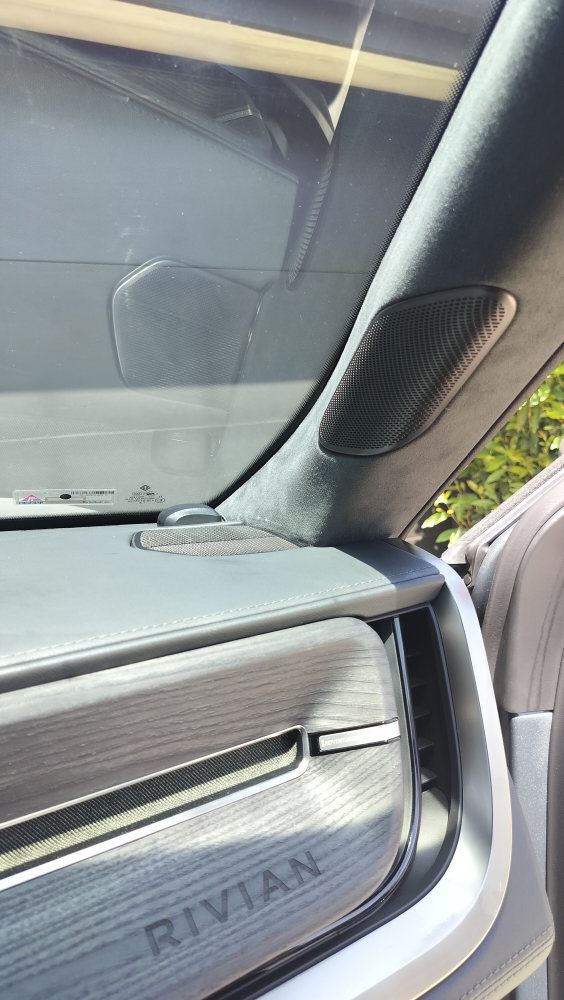
By the way, the GPS antenna is 1.5" square and thus barely noticeable:
And before you ask...no, failing to connect either the CANbus or GPS antenna will not magically give you video-in-motion. The system will simply disable all video until either one is attached and the respective vehicle is selected in the app.
Long story short, this is my attempt at leveling the feature set across Gen 1 and Gen 2. I feel like it's only a matter of time until the CANbus is discovered on Gen2. If/when that happens, Gen 2 owners will get a free CANbus module sent to them. If you are a Gen 1 owner and want GPS functionality for a native Android app, the antenna will be available for purchase from our store shortly after launch.