

EV Play Max for Chevy, GM & Cadillac EVs
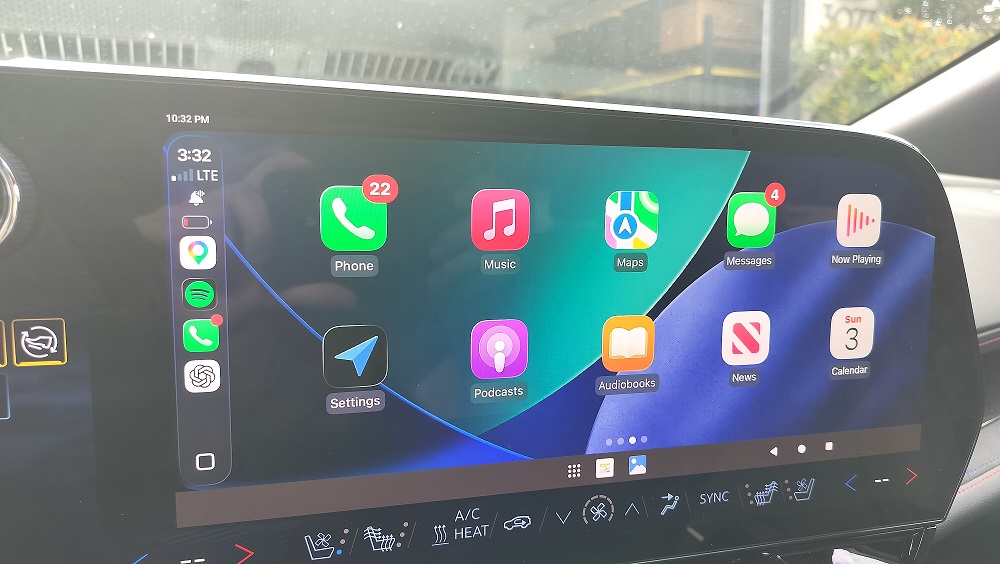
EV Play Max supercharges your Chevy®, GM®, and Cadillac® electric vehicle infotainment system by turning it into a full-blown video, audio, and gaming system, including Apple CarPlay® and Android Auto®! Read below to learn more about the device and all the great things it can do.
***Ships in 2 business days.
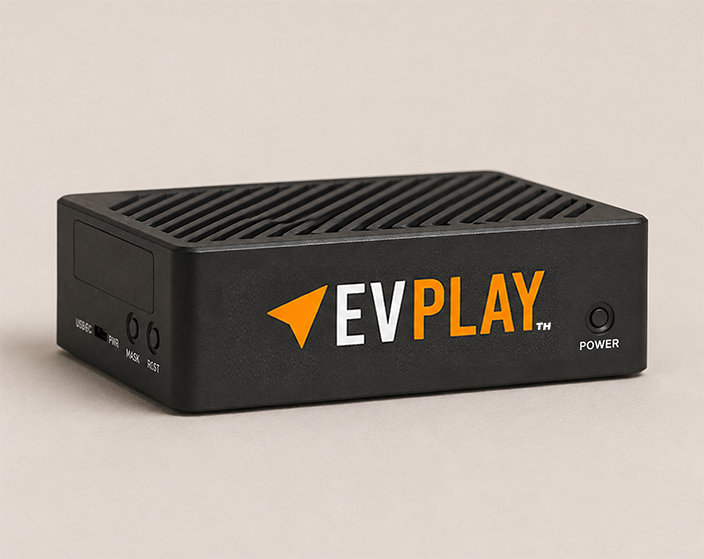
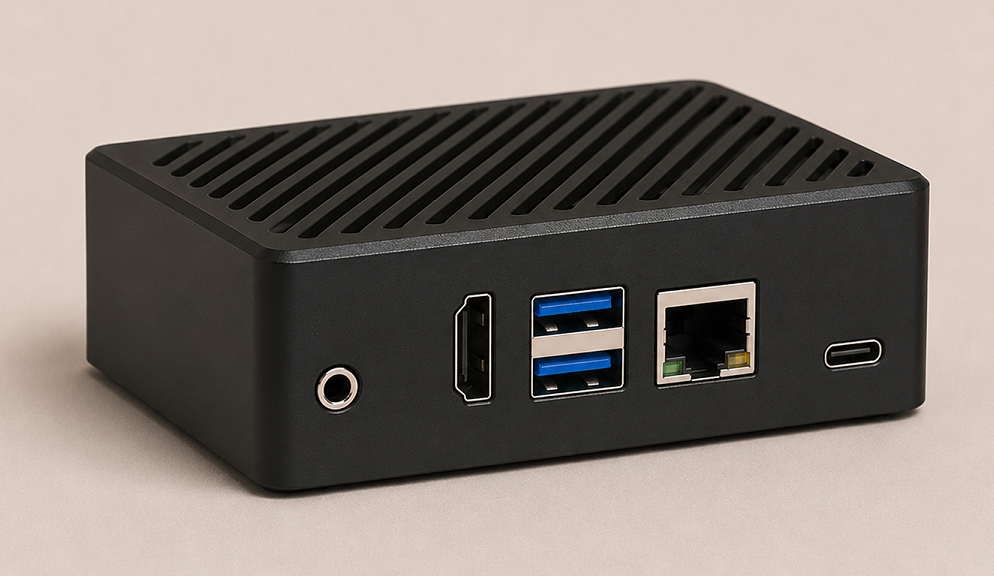
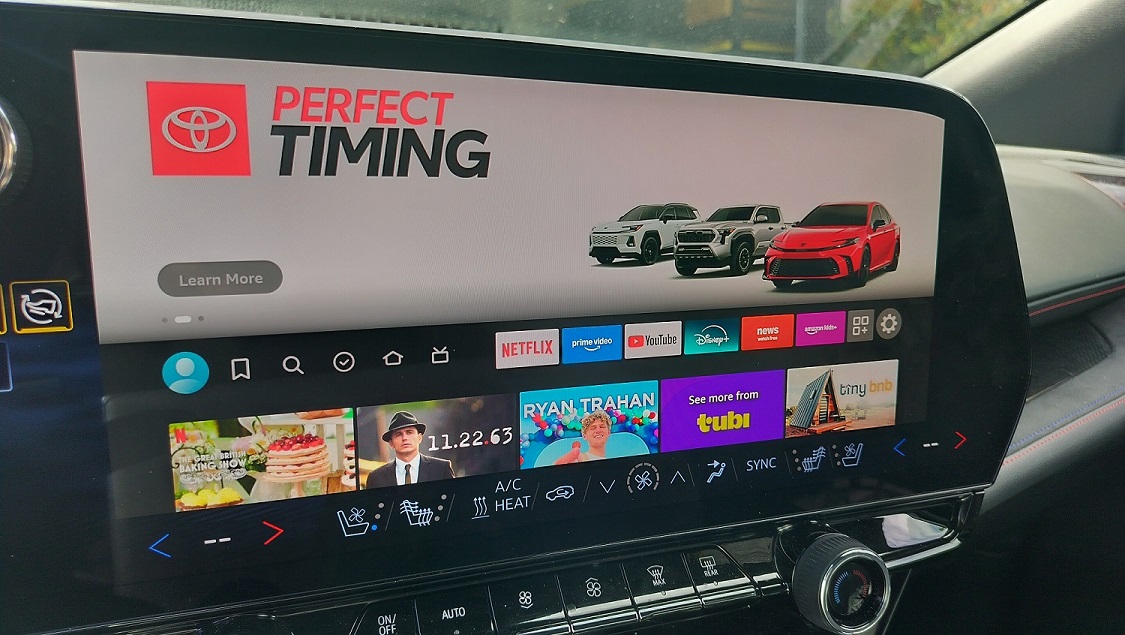
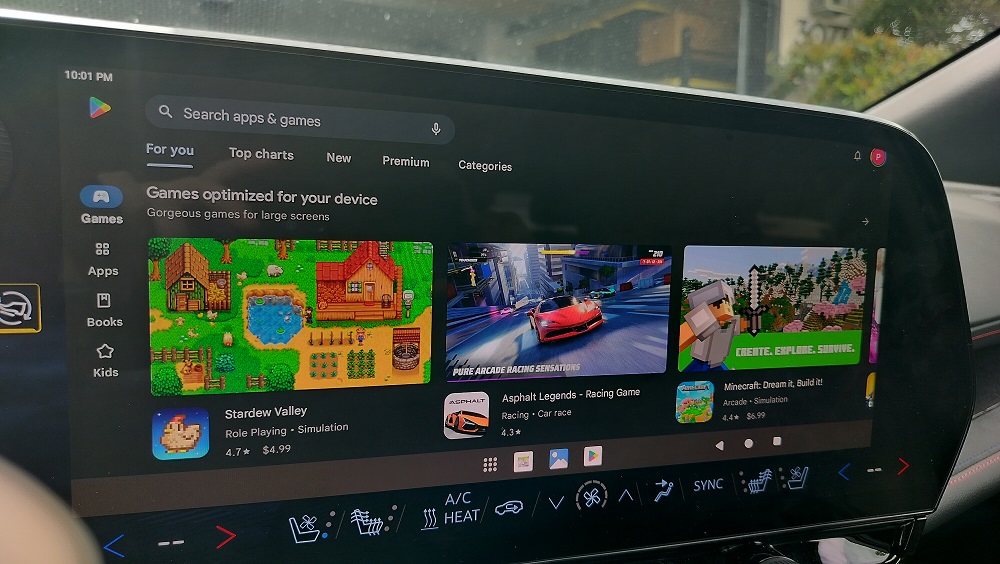
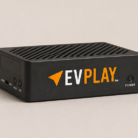
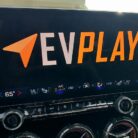
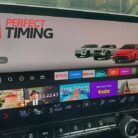
Experience a new era of in-car entertainment, gaming, and productivity with EV Play Max®, the ultimate infotainment enhancement designed specifically for Chevy, GMC, and Cadillac EVs. EV Play Max transforms your factory center screen into a fully functional entertainment, communication, productivity, and gaming system, complete with HDMI in & out, USB and Bluetooth connectivity, Apple CarPlay & Android Auto, and the entire Google Play store. Built with versatility and simplicity in mind, EV Play Max for GM EVs integrates seamlessly into your factory interface, delivering a native feel with expansive new features. Forget the limitations of the built-in system — you now have the freedom to personalize your infotainment experience with a whole suite of apps, devices, media, and services.
A Ton of Android Apps at Your Disposal
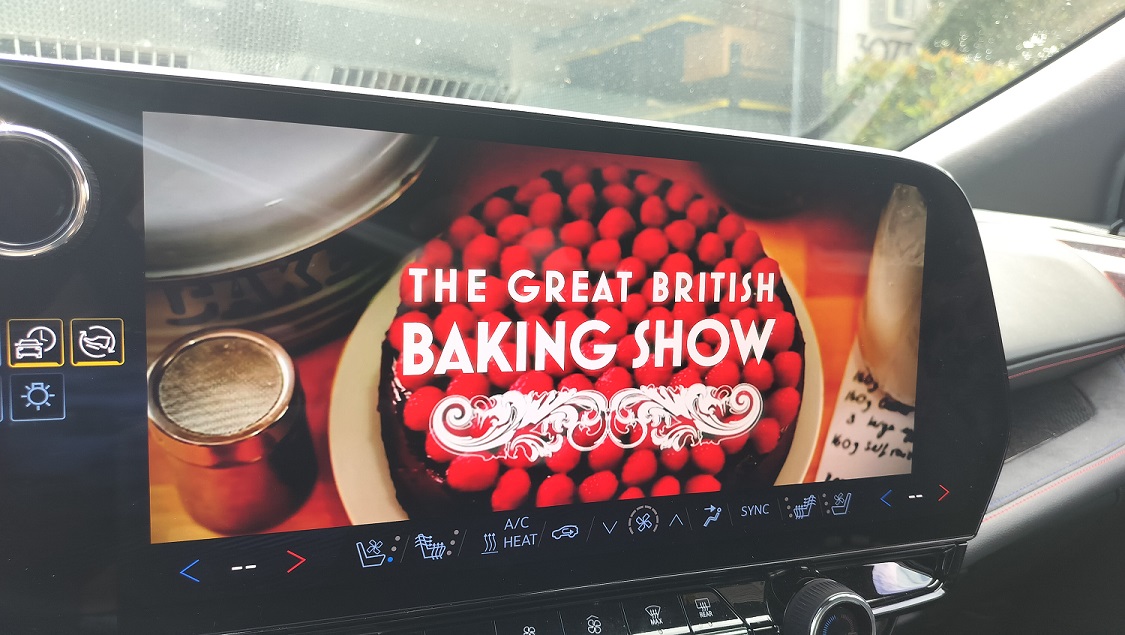
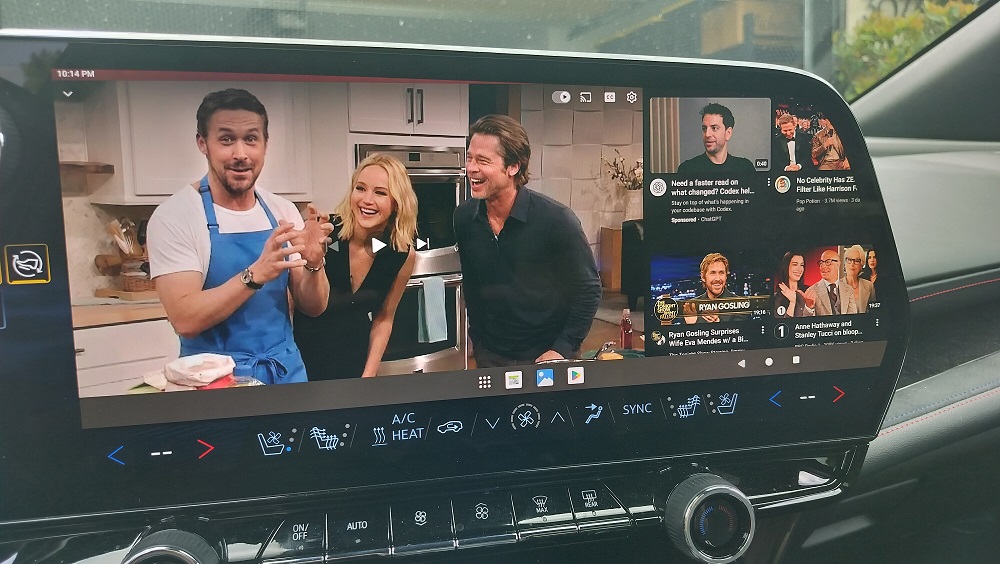
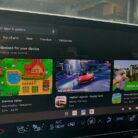
At the core of EV Play Max is a robust Android-based mini-computer that allows you to download any compatible app from the Google Play Store. Stream your favorite audio & video apps like Netflix, HBO, YouTube, Disney+, Hulu, Prime Video, Spotify, and Audible. Take meetings with Zoom, Microsoft Teams, or Google Meet. Or chat with ChatGPT, Claude, and Gemini!
Apple CarPlay & Android Auto
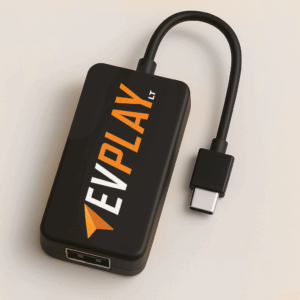
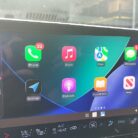
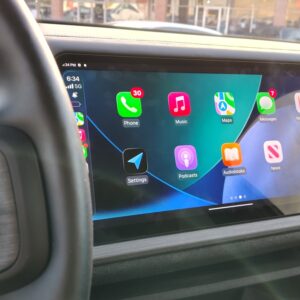
Included with EV Play Max is our Apple CarPlay and Android Auto adapter (“EV Play LT”), providing you with on-screen access to your messages, music, and calls, just like factory CarPlay and Android Auto systems!
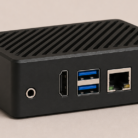
HDMI Input & Output
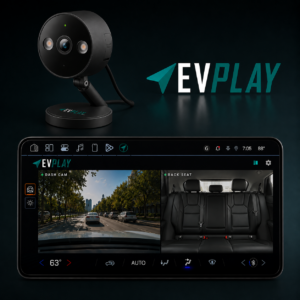
EV Play Max includes an HDMI adapter which allows you to hook up devices such as a Nintendo Switch for some road-trip Mario Kart, an Xbox or PlayStation for backseat gaming, a Fire TV Stick or Apple TV with all your existing logins, or a laptop as a “work-from-car.” If it has an HDMI port, it will likely work on your center screen. You can also mirror the device via its HDMI-out port, or wirelessly, to headrest monitors!
USB Ports For All Your Peripherals
Plug in webcams, game controllers, keyboards, dashcams, or thumb drives loaded with your own movies, music, and photos. Watch your favorite movies and listed to your favorite songs, with no streaming or data plan required.
Bluetooth — Connect Everything Wirelessly
Built-in Bluetooth lets you pair virtually any wireless accessory directly to EV Play Max. Connect Xbox, PlayStation, or generic game controllers for cloud and Play Store gaming. Pair AirPods, Beats, or any wireless headphones for private listening on long road trips. Hook up Bluetooth keyboards and mice for productivity on the dash. Stream audio out to portable Bluetooth speakers for tailgates and outdoor setups. Even pair a smartwatch or fitness tracker for notifications without pulling out your phone.
A Portable Mini Computer For Your Home Or Office
EV Play Max isn’t just for your car — disconnect it, take it inside, and plug it into your TV. It then becomes a full-featured home media system by installing Plex, Jellyfin, or Kodi. Run Home Assistant for whole-home smart device control, or install and run local AI LLMs using its built-in 6 TOPS NPU. When you’re ready to hit the road, unplug it, drop it back in the car, and it picks up right where it left off. One device. Limitless possibilities.
Easy Installation
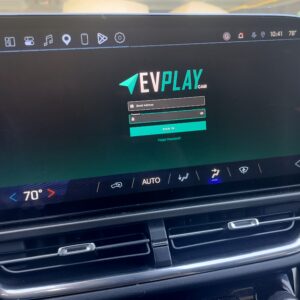
EV Play Max for GM EVs is completely plug & play. No panels to remove and no tools required. Plug the EV Play Max device into your vehicle’s USB and power ports, install the EV Play Max app on your infotainment screen, and you’re up and running in under 2 minutes.
Have additional questions? Read our list of FAQs here.
Related products
-
 Select options This product has multiple variants. The options may be chosen on the product page
EV Play Max for Rivian
$440.00 -
EV Play Auto-Mate for Rivian
$65.00